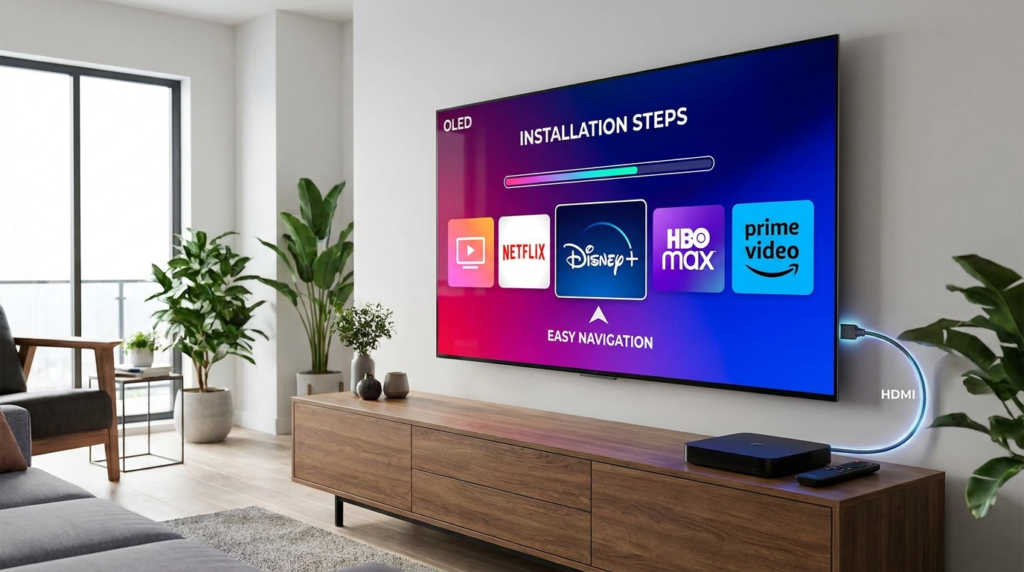
Downloading IPTV Smarters on Firestick is a common task for those looking to stream IPTV subscriptions effectively on their devices. IPTV Smarters is a popular application that allows users to watch live TV, movies, and series on Firestick devices, which runs Amazon’s Fire OS. This streaming solution is compatible with various Firestick models and offers a user-friendly interface tailored for IPTV streaming.
Before you start installing IPTV Smarters on your Firestick, you’ll need a few essentials: an active USA IPTV subscription that provides you access to live channels, a stable internet connection to ensure smooth streaming without buffering, and a Firestick device ready for installation. Understanding these prerequisites will streamline your setup experience.
To install IPTV Smarters on Firestick, first enable Developer Options by navigating to Settings > My Fire TV > About, then clicking the Build section 7 times. This step unlocks installation options necessary for sideloading apps. Next, explicitly turn on Install Unknown Apps permission, specifically for the Downloader app, since Fire OS 8 now requires granular control over such installations. Find Downloader on the Amazon Appstore and install it; this app acts as your primary tool to download APK files directly on Firestick.
Using Downloader, enter the direct URL for the IPTV Smarters APK. It’s important to choose the APK version compatible with your Firestick’s architecture—32-bit for older Fire OS versions or 64-bit for Fire OS 8 and above. After downloading, install the app. Post-installation, it’s wise to delete the APK file to free storage and clear app data occasionally to prevent crashes or buffering issues. This maintenance keeps the Firestick running optimally.
Logging into IPTV Smarters offers two main methods: using the Xtream Codes API or via an M3U Playlist URL. The Xtream Codes API supports enhanced features like Electronic Program Guide (EPG) synchronization and on-demand content, making it preferable if supported by your IPTV provider. Alternatively, the M3U Playlist method sends a simpler stream URL format, which some users find easier but less feature-rich. For help on these options, visit detailed guides such as the one at How to Download IPTV Smarters Pro Firestick.
Adjusting settings in IPTV Smarters can improve your viewing experience. Choosing a reliable player like VLC Player enhances video decoding and smoothness. Buffering settings can be tweaked to match your internet speed; increasing buffer size helps prevent interruptions if you experience frequent pauses. Managing EPG ensures accurate program schedules, and organizing favorites lets you quickly access preferred channels.
Common installation issues include Downloader app failures — clearing cache or reinstalling Downloader can resolve these. APK installation errors often relate to incompatible versions or insufficient storage, so confirming device capacity and choosing the right APK version solves most problems. Login errors might stem from incorrect credentials or expired subscriptions; verifying your subscription status or contacting your IPTV provider can fix these. When apps crash or video buffers excessively, closing background apps or restarting Firestick usually helps.
Many users ask if IPTV Smarters provides channels. The app itself doesn’t supply content but acts as a player for IPTV services. Choosing which login method works better depends on your IPTV provider’s support and features. IPTV Smarters works seamlessly on most Firestick devices, but device model and Fire OS version affect compatibility. To update IPTV Smarters on Firestick, you typically need to download the latest APK manually as automatic updates are often unavailable.
For additional context on installing IPTV Smarters and managing IPTV subscriptions, you can explore further guidance like the installation walkthrough offered at Pro IPTV Canada or the IPTV subscription documentation available at New York IPTV Subscription Guide. For troubleshooting and APK specifics, a detailed tutorial at TroyPoint offers useful insights.
Starting your IPTV Smarters experience on Firestick is straightforward if you follow these recommended steps and precautions. Testing your IPTV subscription right after installation confirms your setup is correct. If problems arise, reaching out to your IPTV provider or support forums can provide personalized help. Remember, safe and legal IPTV usage is essential to protect your device and viewing rights.
For a premium IPTV experience with broad channel choices and reliable streaming, consider exploring options with a trusted provider. Visit the Best IPTV Provider to discover subscription plans that work seamlessly with IPTV Smarters on Firestick, ensuring a smooth and satisfying entertainment journey.